A home office is a great idea for established small business owners that lease commercial office space as well as entrepreneurs and freelancers who primarily work from home.
Designing a functional and comfortable home office can be a relatively easy task, provided you follow a few simple rules and take time to carefully plan ahead. Here are 7 home office tips to help you design a home office space that is organized, efficient, and well-suited to your small business needs.
1. Pick a room
When selecting a room for your home office consider a few important factors before making your decision. For instance, you will want to consider the space available in the room—is there enough square footage to provide a comfortable workspace that includes a desk, filing cabinet, computer equipment, shelves and any other furniture you may require?
Secondly, is the location ideal? Will you be able to preclude a lot of general distractions? Consider the following: Does your office space have a window facing a busy street? Is your home office next to the children’s room or family room where noise can be an issue?
2. Determine furniture and equipment needs
The next step in building a functional home office is to decide what basic items you will need in your office in order to stay organized. This can include, but is not limited to, a desk, computer, printer, telecommunications equipment, storage, seating, etc.
If you want to stay productive, you will need to stay organized. The best way to do this is to maximize your office space by incorporating furniture that is comfortable, fits well within the space you have selected and is suited for multipurpose use. For example, if your line of work entails a lot of paperwork, purchase a larger office desk that can accommodate your computer and paperwork, so that you have plenty of space for both.

Also consider incorporating a filing cabinet, desk organizer, wall shelving or a bookcase to keep office supplies organized. Maximize the use of your space by placing printers or copiers on rolling tables so you can have them near you when in use and out of the way when they are not needed.
3. Prepare For technology
One thing many small business owners often forget to consider, when designing their home office, is how technology friendly the room might be. Will you be able to connect your computer, additional hardware and mobile devices for Internet access? What about a business phone line or fax machine?
4. Improve office lighting
Natural light is much more conducive to a healthy and comfortable work environment. Studies suggest that, “Humans are affected both psychologically and physiologically by the different spectrums provided by the various types of light. These effects are the less quantifiable and easily overlooked benefits of daylighting. Daylighting has been associated with improved mood, enhanced morale, lower fatigue, and reduced eyestrain.”
So when designing your home office opt for a room that has a window. If your home office lacks natural light, consider switching out overhead light bulbs with full-spectrum bulbs — light bulbs that emulate natural light. Also, utilize floor and desk lamps rather than overhead lighting to create a more comfortable environment that puts less strain on the eyes.
5. Consider your comfort
Unlike your commercial office space, you have the flexibility to design your home office in any manner you choose. So why not make it as comfortable as possible? Update your office with an ergonomic chair and ergonomic equipment such as your keyboard and mouse. Less strain on your back and hands translates into improved productivity.
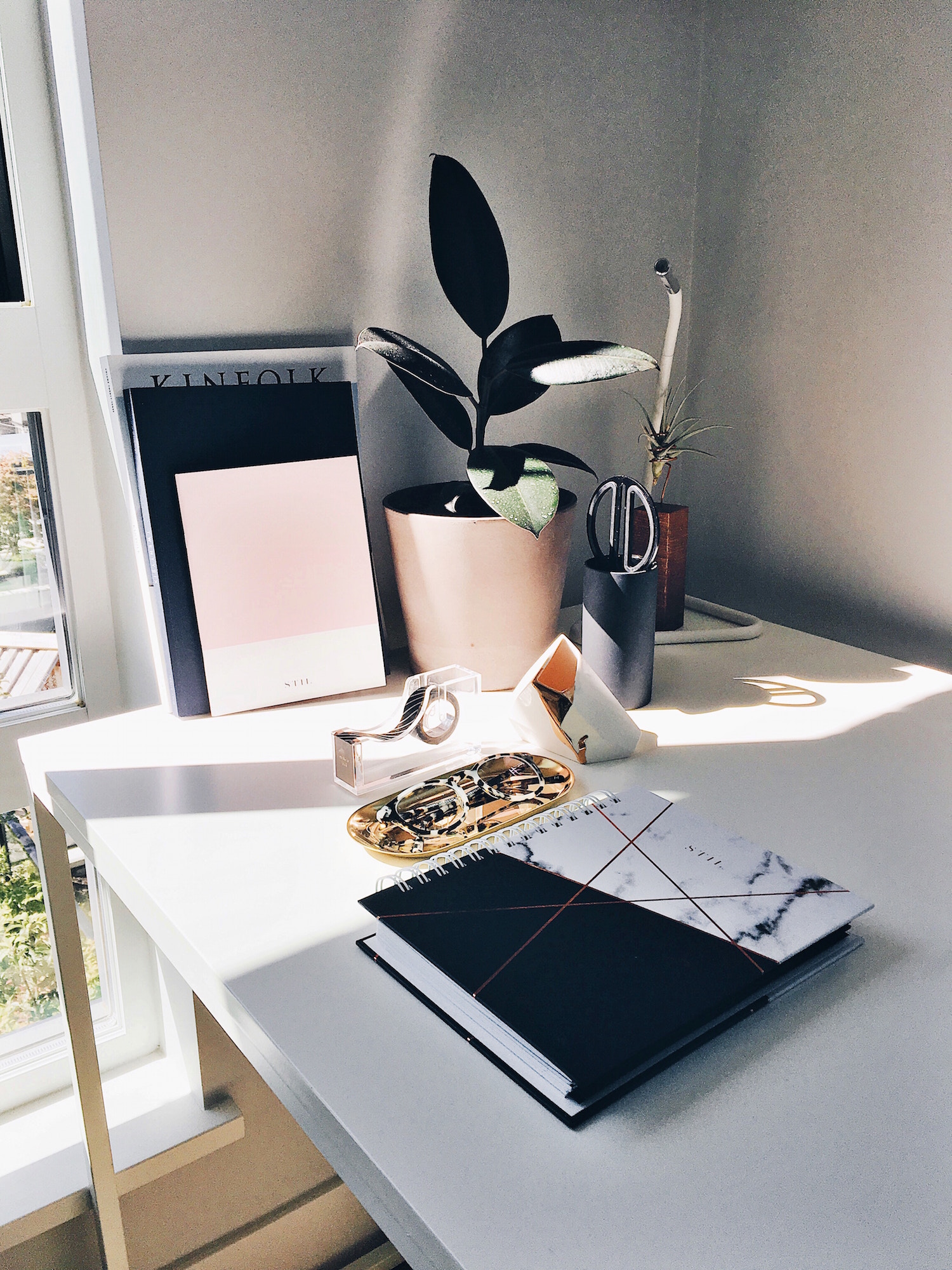
Also think about adding a bit of green to your workspace with office plants. Research indicates that ” plants significantly lower workplace stress and enhances productivity.”
6. Stay organized
Organization is a contributing factor to improved productivity. Does your home office allow for a bookcase, shelving or filing cabinets to keep things organized? How about your desk? Is it cluttered or do you have all your desktop items neatly put away in drawers or a desk organizer?
If you are pressed for space, there are a number of multifunctional desks or tables that are designed for small spaces yet provide you with ample storage and organization options.
7. Don’t forget about home office tax deductions
The IRS allows self-employed individuals to take home office deductions. The amount you are able to deduct depends upon the size of your office, as well as all items in your office that you utilize for work. You can also take partial deductions for your Internet service, business phone line, and other utility services provided they are utilized in your home office. Consider these advantages ahead of time when designing a functional home office space.
Gwen Stewart is a business development professional and writer for Outbounding.com on behalf of ShareFile, a platform that allows businesses to create a custom-branded, password-protected area where files can be exchanged with clients easily, securely, and professionally. In her spare time you can find Gwen hiking, reading and enjoying the company of great friends.
© YFS Magazine. All Rights Reserved. Copying prohibited. All material is protected by U.S. and international copyright laws. Unauthorized reproduction or distribution of this material is prohibited. Sharing of this material under Attribution-NonCommercial-NoDerivatives 4.0 International terms, listed here, is permitted.
In this article